MagicSync Free Tools
MagicSync includes a collection of free tools for creating and editing content. These tools are available at /app/tools or /tools and can be used without a paid plan.
Image Editor
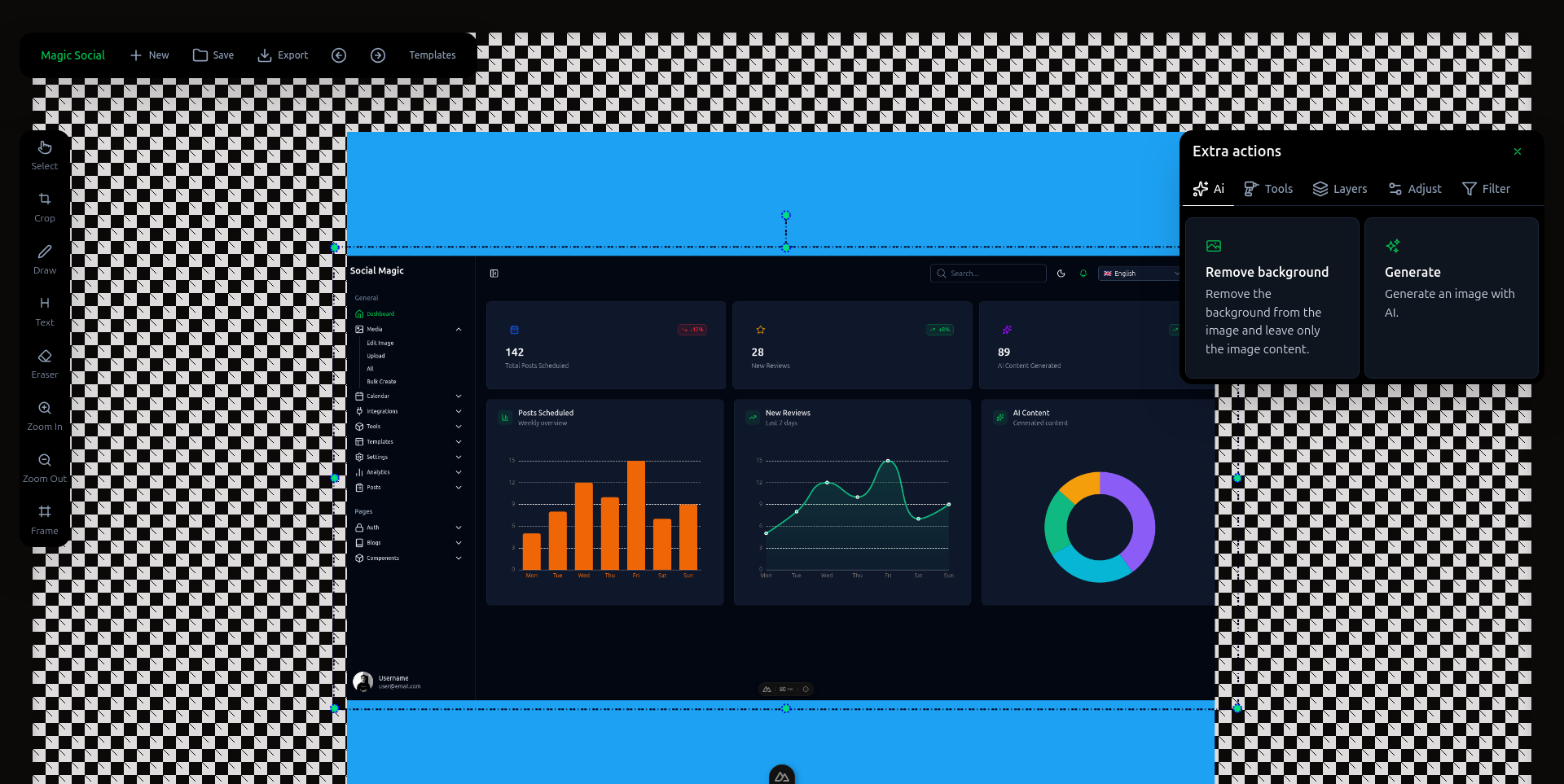
The Image Editor lets you edit images directly in your browser. You can crop, draw, add text, apply templates, and adjust colors.
Use it for:
- Cropping photos for social media
- Adding text overlays
- Applying templates
- Adjusting colors and filters
Example: Create a promotional image for a sale by uploading a product photo, adding a headline, and exporting it in the right dimensions.
Try it here: /tools/image-editor
Flutter Clipper
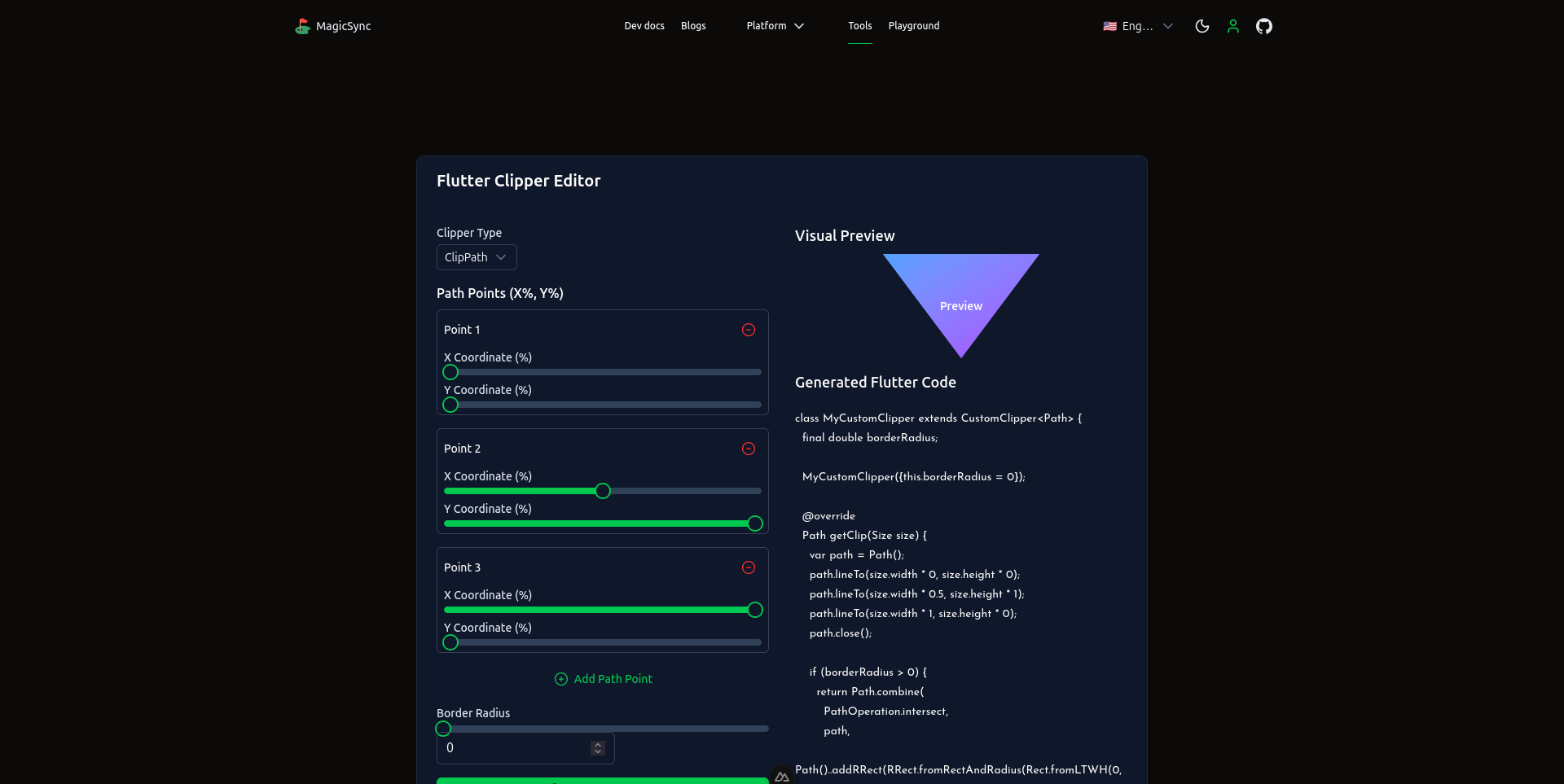
The Flutter Clipper generates code for clipping images into custom shapes in Flutter apps. It is useful for mobile developers who want non-rectangular image layouts.
Use it for:
- Creating custom image shapes
- Generating Flutter clip code
- Prototyping UI components
Example: Generate a star-shaped clip path for a profile picture in a Flutter app.
Try it here: /tools/flutter-clipper
Video Silence Remover
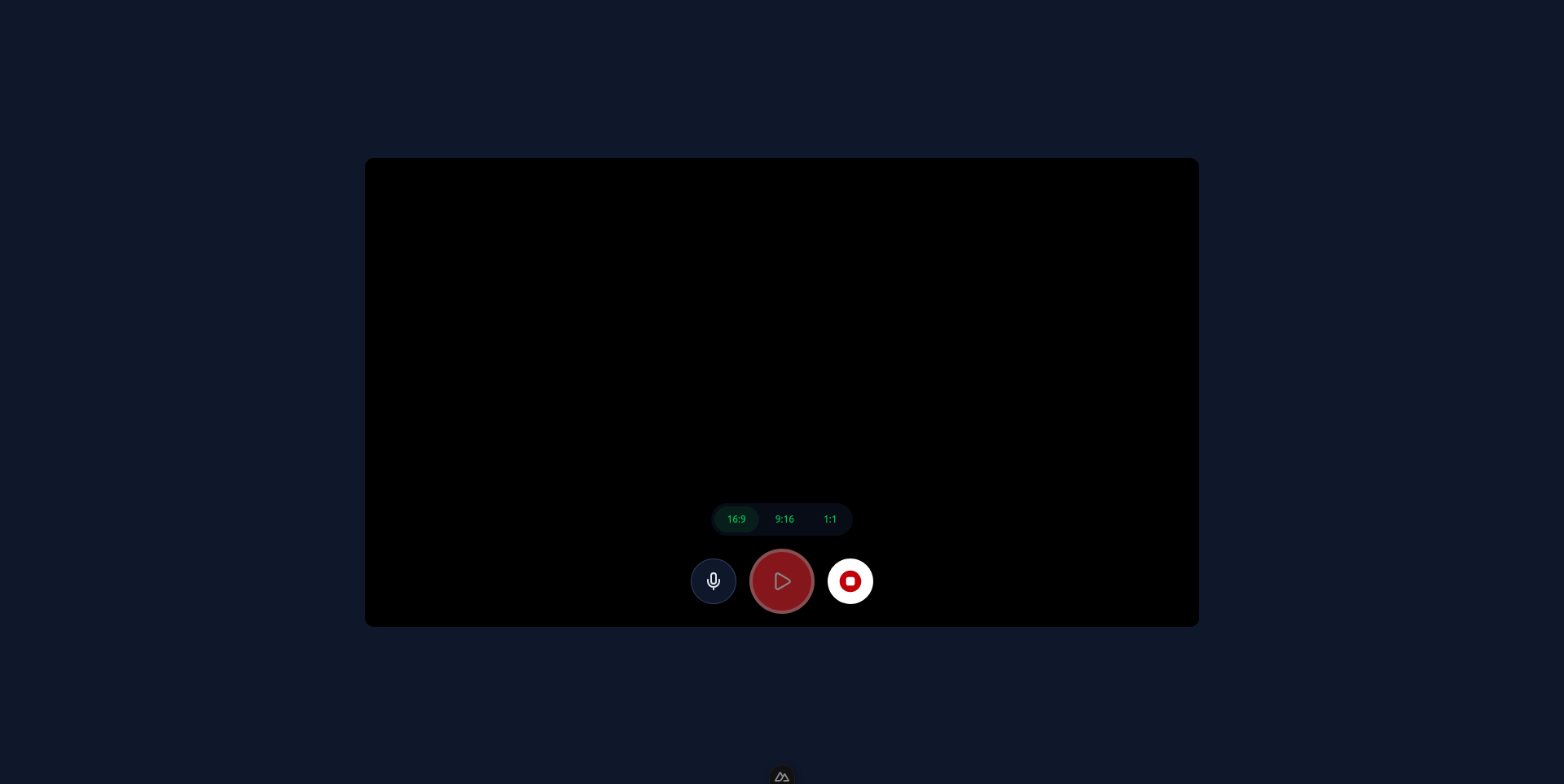
The Video Silence Remover automatically detects and removes silent sections from videos. This helps produce tighter, more engaging video content.
Use it for:
- Removing dead air from recordings
- Speeding up video editing
- Preparing content for YouTube or TikTok
Example: Upload a screen recording with long pauses and download a version with the silence removed.
Try it here: /tools/video-silence-remover
Text Behind Image

Text Behind Image places text behind foreground objects in a photo, creating a layered visual effect.
Use it for:
- Posters and cover images
- Social media graphics
- Creative typography
Example: Place the word "ADVENTURE" behind a mountain range so the text appears integrated into the scene.
Try it here: /tools/text-behind-image-free
Audio Transcription
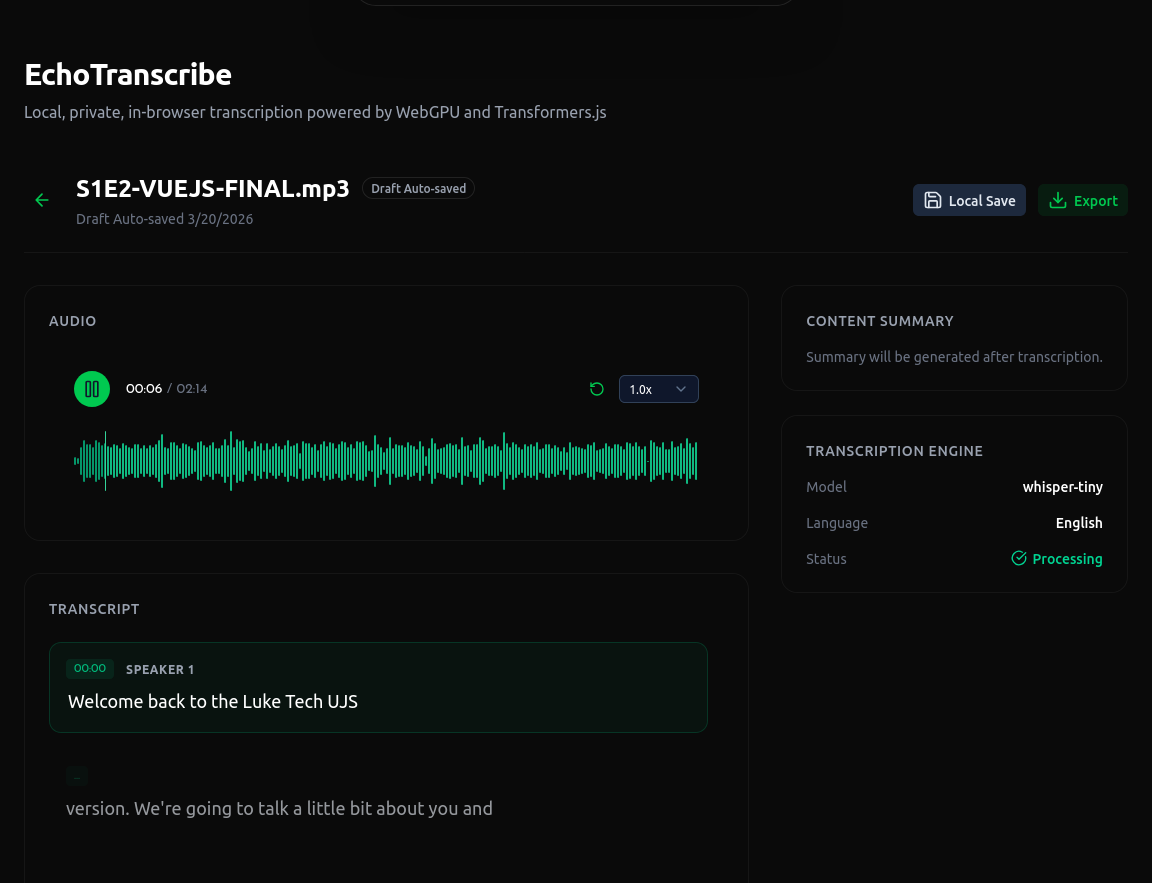
Audio Transcription converts speech from audio or video files into text. It supports multiple languages and includes timestamps.
Use it for:
- Transcribing interviews
- Creating captions
- Converting podcasts into articles
Example: Upload a recorded meeting and receive a full transcript with timestamps.
Try it here: /tools/audio-transcription
Audio Player
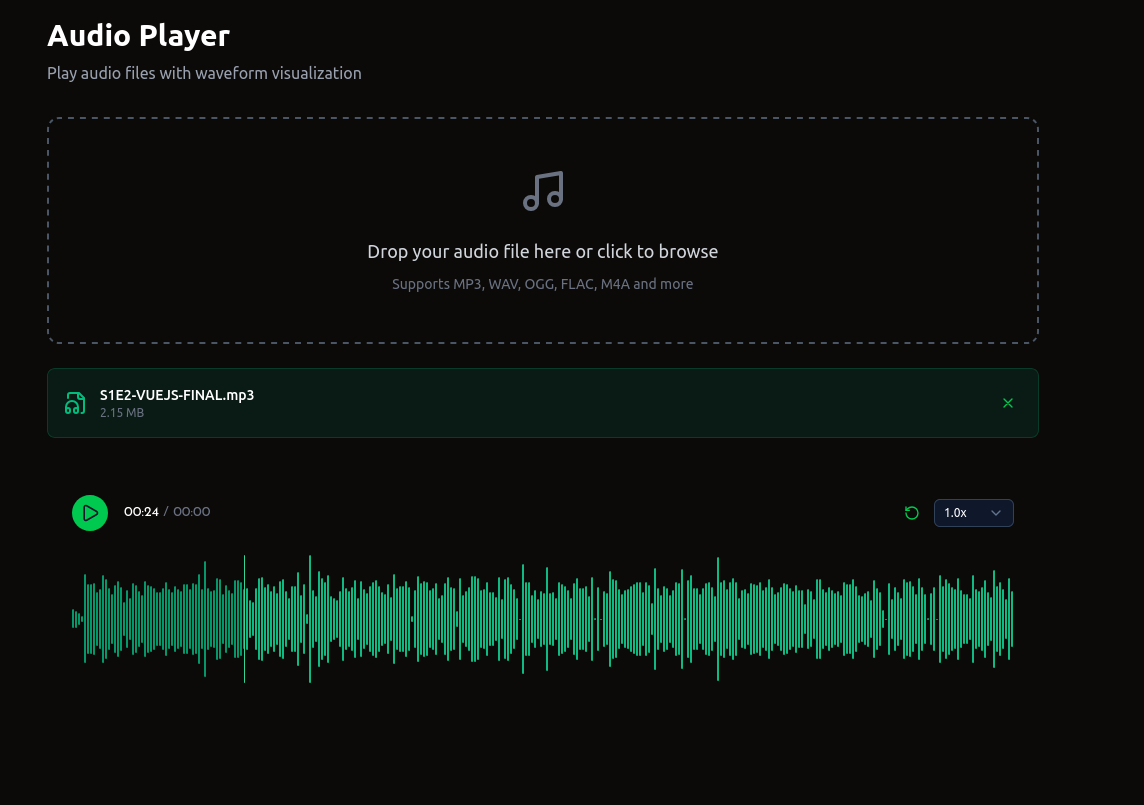
The Audio Player plays audio files in the browser and displays a waveform visualization. It supports direct file uploads and Bunny CDN links.
Use it for:
- Playing audio clips
- Visualizing waveforms
- Embedding audio on a website
Example: Upload a podcast episode and share the player with your audience.
Try it here: /tools/audio-player
Podcast Player
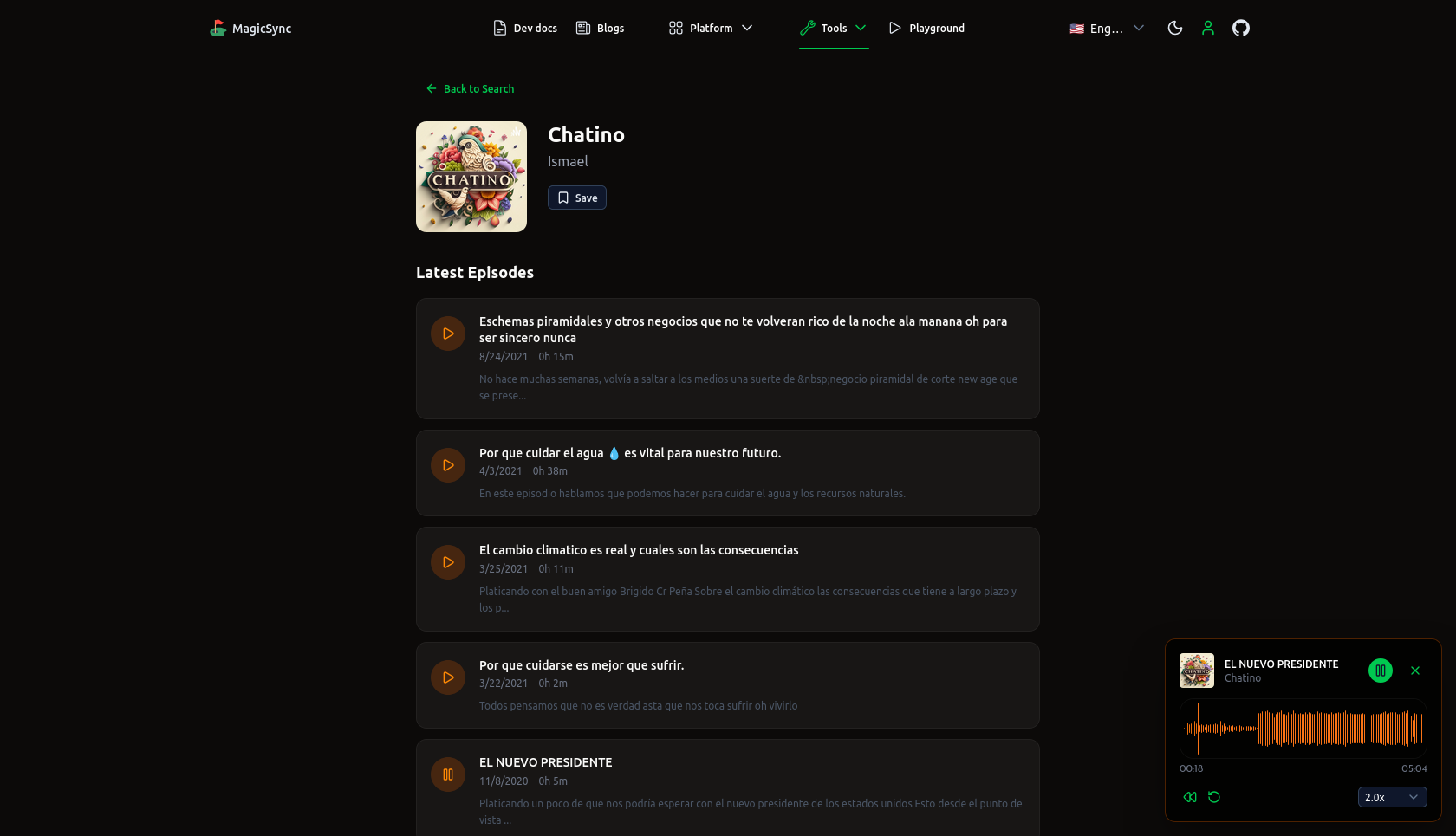
The Podcast Player lets you discover and listen to podcasts. It includes a global player, search, and favorites.
Use it for:
- Discovering new podcasts
- Listening while browsing
- Saving favorite episodes
Example: Search for "machine learning" and listen to episodes directly in the app.
Try it here: /tools/podcast
Video Cropper
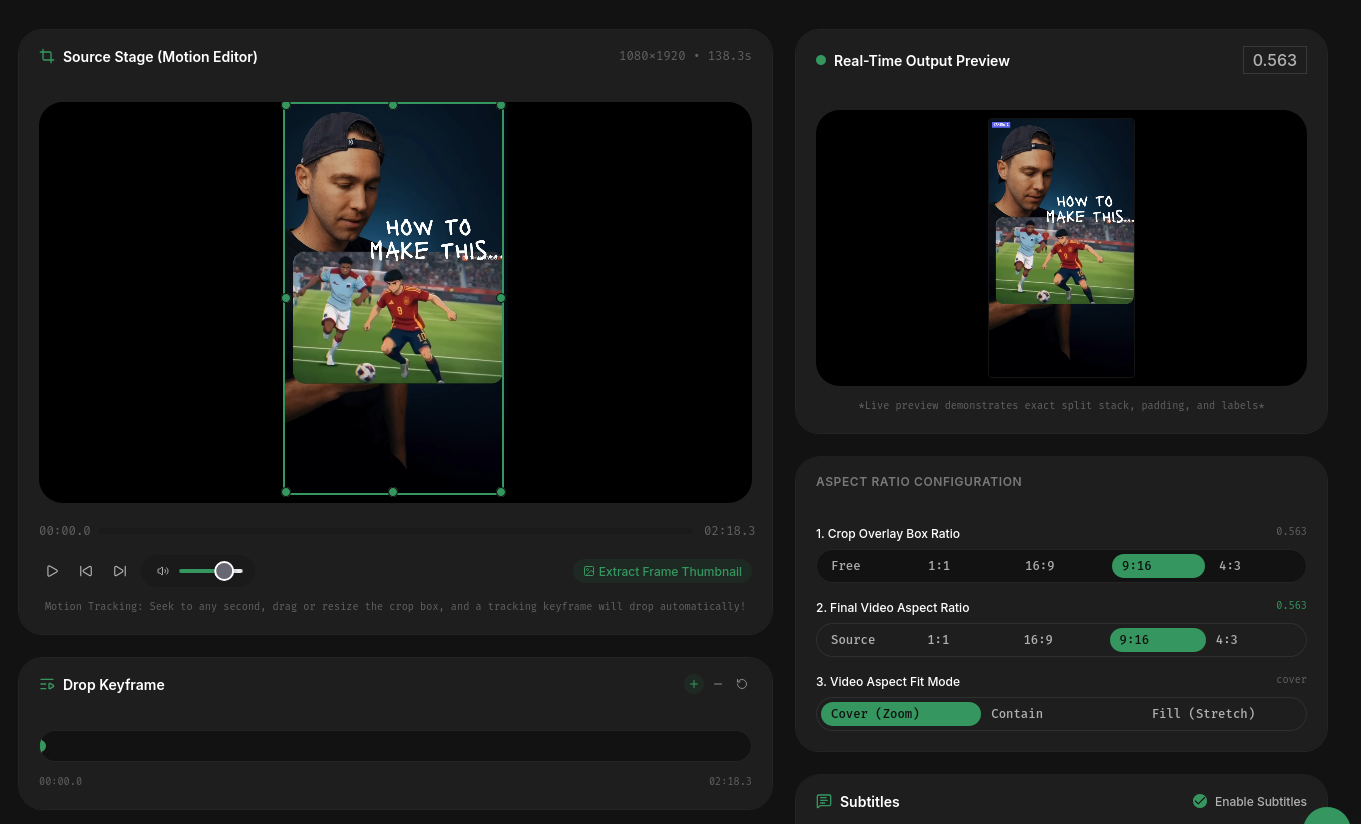
The Video Cropper is a browser-based video editor. It supports cropping, subtitles, multi-camera switching, audio mixing, and keyframe animations.
Use it for:
- Cropping videos for different platforms
- Adding subtitles
- Mixing audio tracks
- Creating vertical videos for TikTok or Reels
Example: Upload a landscape video, crop it to 9:16 for TikTok, add subtitles, and export.
Try it here: /app/tools/video-cropper
Text to Speech
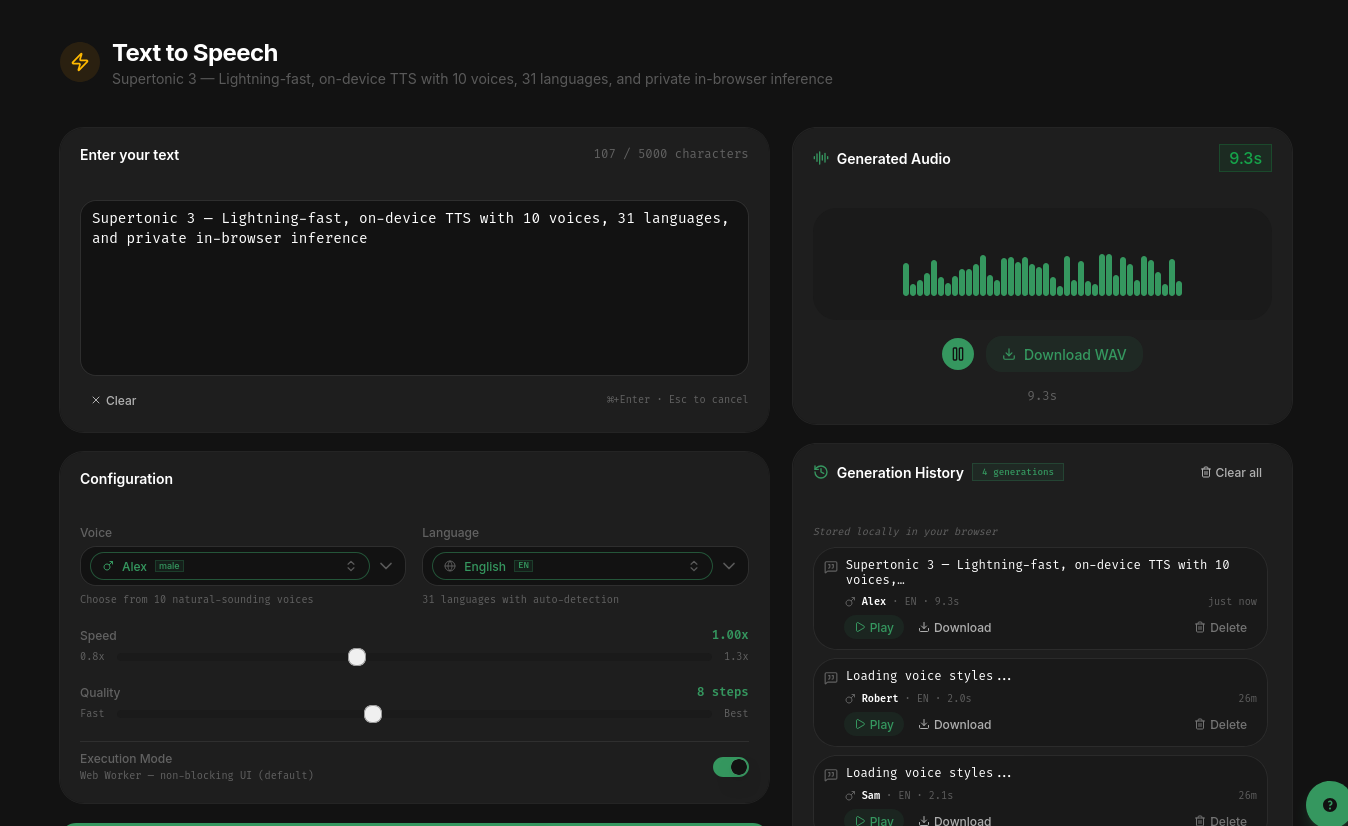
Text to Speech converts written text into spoken audio. It supports multiple languages and voices, runs in the browser, and allows downloads.
Use it for:
- Creating voiceovers
- Generating audio content
- Accessibility
Example: Type a script, select a voice and language, and generate an audio file for a video.
Try it here: /app/tools/text-to-speech
Tool Directory
| Tool | Description | Path |
|---|---|---|
| Image Editor | Edit images, add text, apply templates | /tools/image-editor |
| Flutter Clipper | Generate Flutter clip-path code | /tools/flutter-clipper |
| Video Silence Remover | Remove silent sections from videos | /tools/video-silence-remover |
| Text Behind Image | Place text behind objects in images | /tools/text-behind-image-free |
| Audio Transcription | Convert speech to text | /tools/audio-transcription |
| Audio Player | Play audio with waveform visualization | /tools/audio-player |
| Podcast Player | Discover and listen to podcasts | /tools/podcast |
| Video Cropper | Crop, subtitle, and edit videos | /app/tools/video-cropper |
| Text to Speech | Convert text to spoken audio | /app/tools/text-to-speech |
Getting Started
All tools are available from the tools page:
/app/toolsOr visit the public tools page:
/toolsNo installation or paid plan is required to use the free tools.