
AI model precedence (business → user → system)
The bug
Two separate defects both made a user's chosen model "not picked up".
1. schedulerUnifiedAI ignored the business override
packages/scheduler/server/utils/schedulerUnifiedAI.ts resolved its model from getDefaultConfig(userId) — the user's default only. Every scheduler AI route (repurpose, generate, caption, carousel-design, hook-health, information at business creation) therefore ran on the system or account model no matter what the business had selected, even though those routes already pass businessId.
Fix: resolveConfig(userId, businessId) now calls userLlmConfigService.getEffectiveConfig(userId, businessId), and both generateText / generateObject pass options.businessId (already part of SchedulerBrandGrounding, already sent by the routes).
2. The business "system" option skipped the user's AI
getEffectiveConfig mapped a business override of provider: 'system' straight to systemDefaultConfig() — bypassing the account's own AI. That inverted the intended precedence: a user who had configured an account model and then picked "inherit" at the business level silently fell back to the operator model.
Fix: precedence is now business → user → system. A system business override falls through to loadUserDefault(userId) (account AI, else system).
The option model
At a business (/app/business/[id]/content/edit, mode="override"):
| Choice | Meaning |
|---|---|
| a real provider (google/ollama/llama/openai/anthropic/openrouter/deepseek) | this workspace's AI — provider/model/key stored for the business |
"My account AI (default)" (the system sentinel) | inherit → your account AI, else the system AI |
The label is mode-aware (providers.accountDefault) so it does not read "Workspace AI" inside the workspace editor.
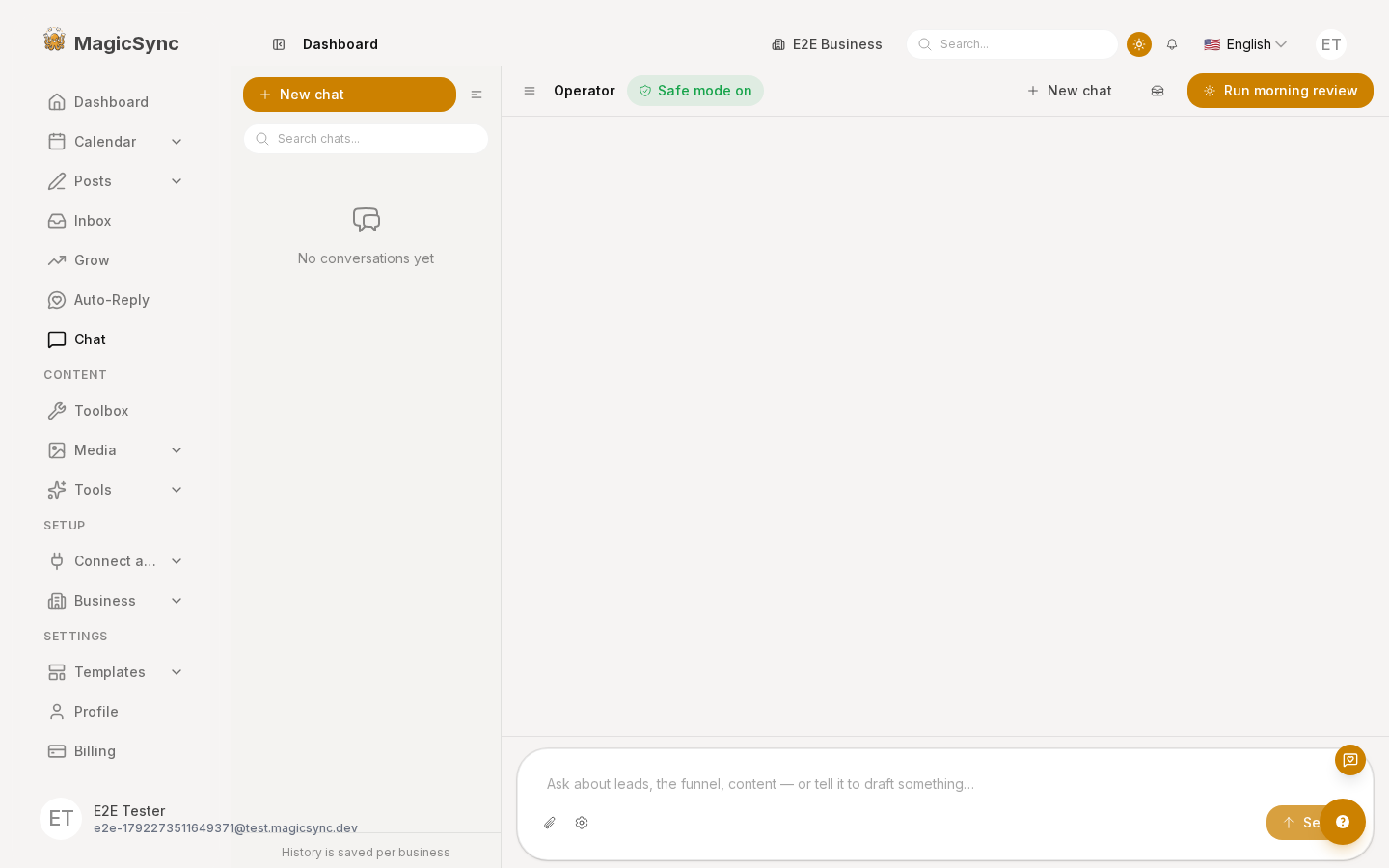
GET /api/v1/llm/effective reports source as override only for a real provider; a system override now reports user-default / system-default, which is why the chat header can show the truth (provider/model badge).
Gotchas
loadUserDefaultguards against a storedprovider: 'system'row (pi cannot resolve it) and falls back to the system config.resolveStoredConfiginschedulerUnifiedAIstill mapssystem→ system default for any legacy row reaching it directly.- The chat header badge is the fastest way to prove which model a turn will use.
Verify
- Account AI set, business override = "My account AI" → chat + scheduler routes use the account model.
- Business override = ollama + custom model → chat uses it (badge shows it).
- No account AI, business override = inherit → system model.
pnpm --filter @local-monorepo/agent testand the db suite pass.